Hey everyone, today I have shipped an incredibly pointless project. I think there will be a few hundred people that could make use of it, and significantly less that actually will. The primary user will probably be me.
Despite that, I actually decided to ship it. I wasn’t going to initially, but when I spent a bunch of time making it I might as well upload it for people to use.
That is why, right now, if you go to blocks.1nteresting.name, you can view a list of blocks found in the specified version of Minecraft. It only supports some versions between Alpha 1.0.17_04 and Release 1.5.2, but that is roughly the intended use case anyway.
Older versions of the game have no in-game way to list the blocks, and mods like Just Enough Items aren’t available for those versions. This is incredibly annoying for people who want to go back and play those versions, especially if you’re playing on a world that slowly updates.
Why cut off at 1.5.2? I couldn’t be bothered to add code to replace the Poppy with the Rose, which happened in 1.6.
Why?
To put it simply, I thought it would be useful. I was playing Alpha 1.1.2_01 because I felt like it a few weeks ago, and wanted to be able to view all the blocks that I could use to build.
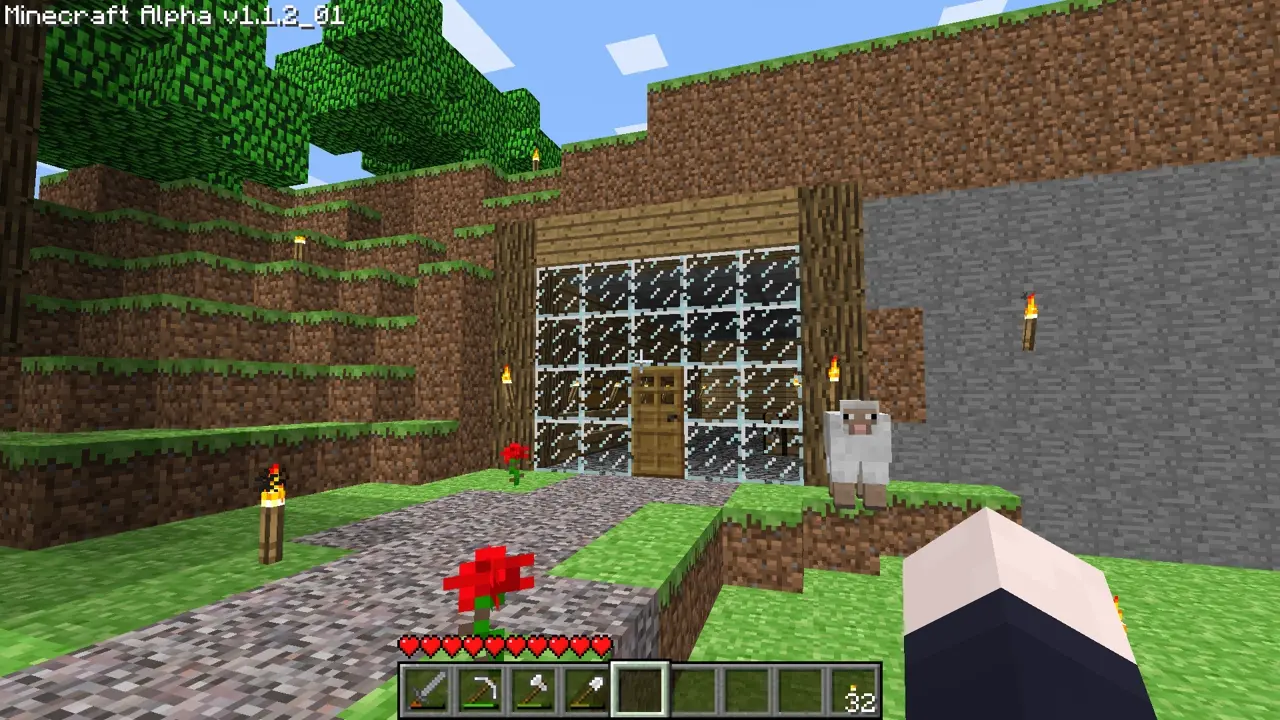
With the help of this site, you can plan out builds in versions with more limited block palettes much easier.
How?
It’s a pretty simple site, but it uses some tricks I haven’t done before. For example, before recently, if I was to make this, I would use JSON files, which would be much more annoying. However recently, I have discovered the magic of CSV files.
CSV files, or Comma Separated Value files, are, well, comma separated values. Commas delimit columns, and rows are lines1. This is much more convenient than JSON and can be visualised as a spreadsheet in programs like LibreOffice.
Anyway, I can edit the list of supported versions, and the list of blocks, using these CSV files, which are then loaded in. One CSV file exists for versions, which has their version string, what type of version it is, and its full name2. Another CSV file stores the name of blocks, the path of the image that represents them, and the version it was introduced3.
This allows for much easier editing in future, without having to make changes to the code.
The first custom Project page
Another notable thing about this Project is that it is the first one with its own custom Project page. This uses the styling from the site itself in its page. Also, it has some sub-pages, with information on how you (yes you) can contribute to the project, and also how you (once again yes you) can run it completely locally without relying on my hosting to continue to work.
Anyway, I’ve said everything I want to about this project, and I urge you to check it out if you think it will be useful (or even contribute if you want). I’ll leave you with some links to the project, its Project page, and its GitHub repository.
that is all
Footnotes
-
This means that the delimiter is the platform’s newline flag, either LF (
\n) or CRLF (\r\n). ↩ -
Some versions of the game have a full name, like ‘Adventure Update’ and ‘World of Colour’. ↩
-
The version is not stored, instead the index in the first CSV file. So 1 = Alpha 1.0.17_04, 2 = Alpha 1.1.2_01, etc. ↩